







When managing the growing volume of devices required for standard operations, businesses must address two issues: ensuring the hybrid workplace remains agile and equipping teams with AI solutions. In both instances, security is a focal point. Tool sprawl contributes to an already complex situation as IT teams use a variety of tools to manage systems. Additionally, they need to integrate AI into a variety of workloads.
Businesses’ IT landscapes must overcome these challenges. 85% of businesses reported in the 2024 Cisco Cybersecurity Readiness Index that team members log in to company systems from unmanaged devices, creating greater security vulnerabilities and operational weaknesses. Unified Endpoint Management (UEM) offers IT department less complexity, greater visibility, and improved security through a cloud-based system. UEM provides IT professionals with increased network visibility, enabling all connected business devices to be managed from a unified dashboard.
However, complex environments, including those with legacy elements, require a customized migration blueprint. Read on to learn four strategies your business can apply when transitioning to cloud-enabled Unified Endpoint Management.
Microsoft Intune: A standard endpoint management feature bundled into most Microsoft 365 enterprise licenses
When Intune is integrated with other Microsoft solutions, the overall performance is enhanced with benefits including:
- Endpoint analytics
- Remote support
- Device compliance
- Policy management
- Cloud-enabled administration
- Software deployment
- Device provisioning
- Cybersecurity tools
Unified endpoint management (UEM) explained
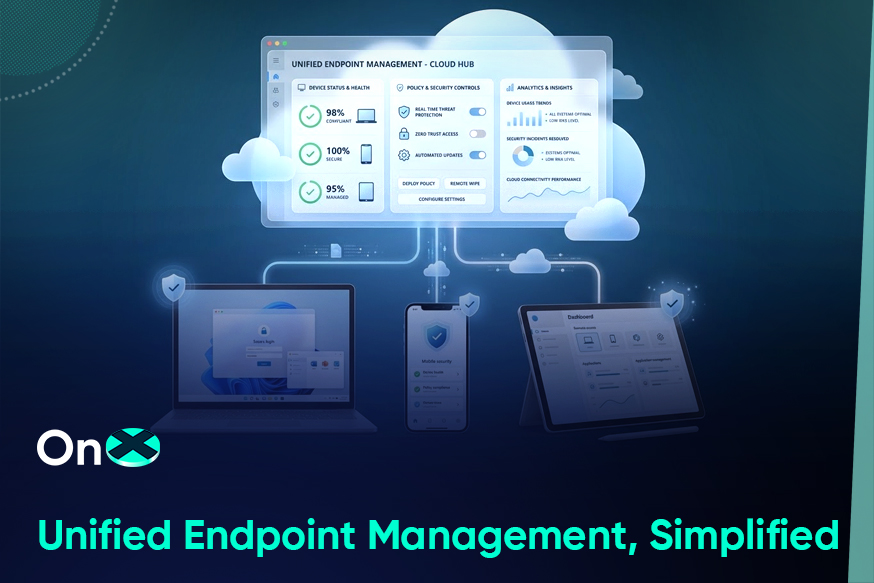
UEM merges the management of all enterprise devices, their applications, and identities into a single monitoring platform. UEM consolidates what was previously managed on-premises across a dozen tools, shifting to cloud-native control, security, and monitoring. Microsoft Intune, an enterprise UEM platform, enables organizations to monitor interactions among identities, devices, and applications within their digital environment. By deploying cutting-edge technology, Intune ensures the security, compliance, and management of devices and data.
The advantages of Microsoft Intune
Microsoft Intune’s centralized dashboard can be accessed from any device connected to the Internet to streamline management of applications, identities, and security across endpoints.
The main advantages include:
- AI-powered security: With controls based on Natural Language Processing (NLP), Microsoft Copilot optimizes troubleshooting and auto-remediates.
- Compliance management: Businesses stay compliant with zero-trust networks (ZTNs).
- Cost-effective: Microsoft Intune drives cost-efficiency by reducing the complexity of IT environments and tool sprawl.
- Streamlined endpoint onboarding: Onboarding staff and device replacement is improved with auto-enrollment.
- Improved security posture: Thanks to features such as patching, compliance, VPN controls, BYOD data safeguards, and role-based access controls, attack surfaces are reduced, and risks are mitigated.
Read more: Microsoft Intune: Holistic, unified endpoint management to tackle modern business challenges
Three approaches to migration
These are three notable approaches for migrating to a cloud-based Unified Endpoint Management (UEM) system:
1. Optimizing workloads
The fastest way to reduce complexity and drive cost efficiency is to shift workforce management from legacy systems to cloud-based solutions, such as Intune. The process moves existing functionality, such as app deployment and patches, into the cloud, adding new cloud-based features, such as analytics and automation through Intune. Moving all workloads to the cloud as quickly as possible is optimal, but doing so in stages will strengthen alignment with business objectives.
Begin by migrating new cloud workloads to Intune. These workloads will have the least amount of resistance because they are already cloud-based. The next step is to focus on security and compliance, followed by policy update, and ultimately, application. For workloads that cannot be migrated instantly, concentrate on managing the others in the Cloud and take an ad hoc approach as a provisional measure.
2. Register existing devices with Intune
Register configuration manager devices with Microsoft Entra ID, the identity access (IAM) manager for Microsoft’s cloud. This intermediate step lets you leverage cloud workloads and shift away from managing multiple systems. Microsoft Entra hybrid join is intended for use with existing Azure Active Directory devices, offering cloud benefits without disrupting workflows. The third approach can be implemented once the device reaches the end of its natural life and is replaced, or through typical maintenance and repair cycles. This is when new devices can be registered directly with Intune.
3. Leverage cloud-native capabilities for new devices
During the process of integrating new devices into your systems or updating operating systems on existing devices, devices can also be migrated to Intune and cloud-enabled management. Windows 11 provides the opportunity to change perspectives on Windows management and mitigate the risk of repeating obsolete practices. Devices should be replaced or updated during their two- to three-year lifecycle and simultaneously, migrated to cloud management.
Read: Unified endpoint management with Microsoft Intune managed by OnX.
4. A supportive approach
Another approach is working with a managed services provider such as OnX to assist with migration or to completely manage the organization’s technology environments. A managed services provider unburdens in-house IT teams of the migration process and daily oversight of applications, identities, and devices, so they can focus on innovating systems.
OnX can work with your team on any of these approaches and implement them to suit your business needs and goals.
Why OnX?
OnX provides complete Intune support, from evaluations and remediation to deployments and policy developments. OnX professionals work with your IT team to support auto-enrollment policies, security, compliance, application management, and configuration. Additionally, OnX offers comprehensive environment reviews, troubleshooting, and IT administrative support.
The OnX approach
OnX begins by evaluating Unified Endpoint Management readiness and guiding clients through benchmarking practices for application and endpoint management policies.
- Evaluation: Our launch assessment determines the optimal strategy for your organization.
- Design: Our engineers conceptualize and develop solutions to help achieve your business objectives.
- Deployment: The solution is deployed to be fully operational and calibrated for optimal performance.
- Management: OnX continues to support your organization’s success.
Because OnX is a Microsoft Solution Partner, we leverage solutions such as Azure Cloud certifications, Data and AI, and Microsoft Modern Workplace to facilitate organizational change at scale.
Schedule a free consultation with an OnX professional today.